
STEP 01
Upload Your Video
Drag in a video or choose a file. Your video stays in your browser.
FAST MEDIA TOOLS · MADE SIMPLE
Turn a video into a GIF. Trim your clip, adjust the quality, and download it in your browser.
MP4, MOV, MKV, WebM and more
Your file stays on this device.
Processed locally in your browser. Width will not exceed the source video.
STEP 01
Drag in a video or choose a file. Your video stays in your browser.
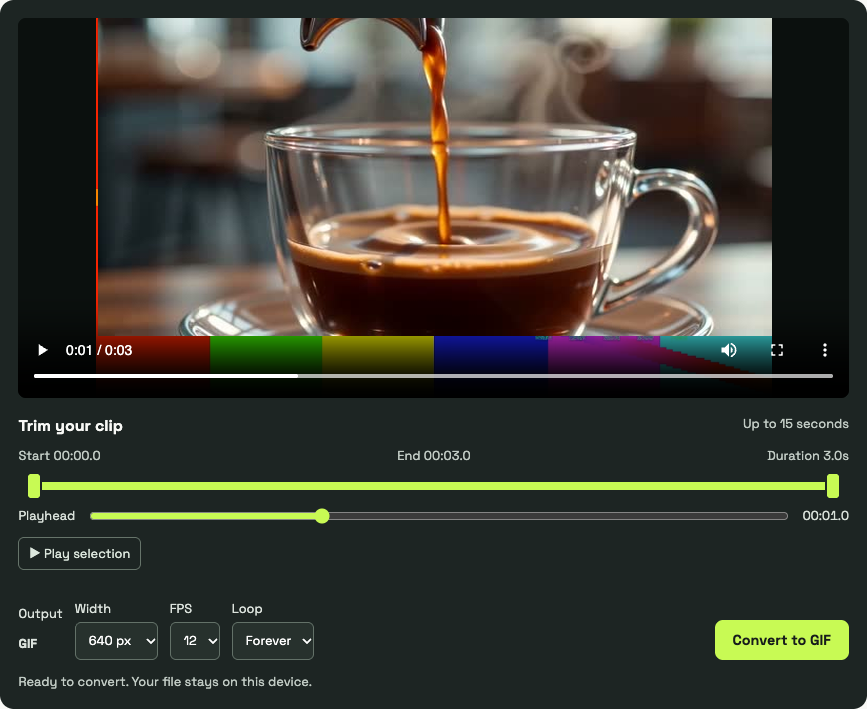
STEP 02
Select the moment you want, then choose the GIF width and FPS.
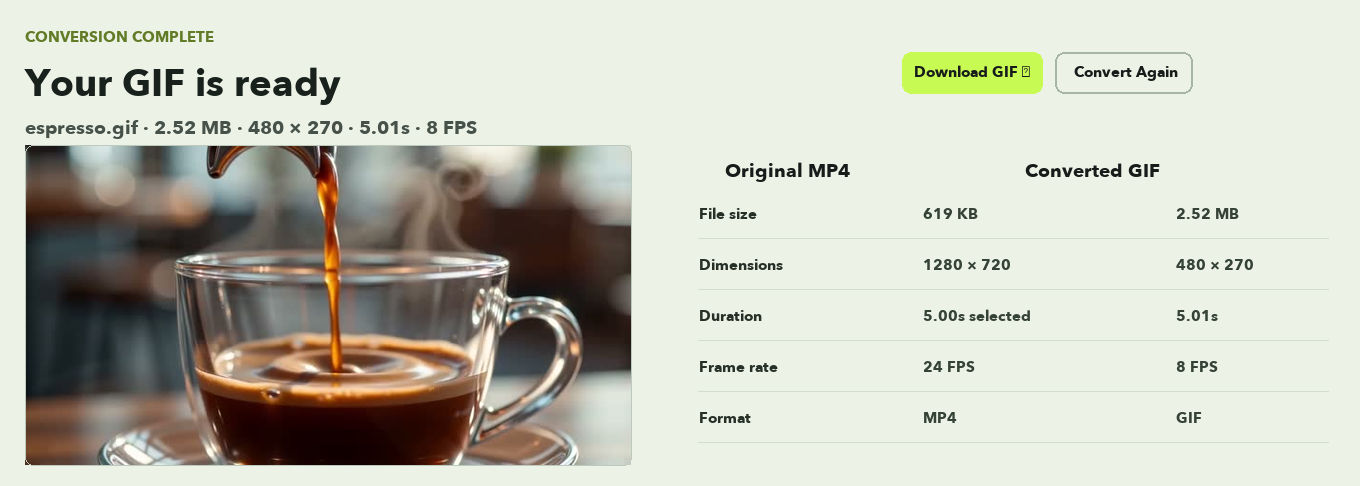
STEP 03
Click Convert to GIF, preview the result, and download it.
Watch a coffee-pouring clip turn into GIF. Compare two real settings and file sizes before converting your own video.
Warm espresso pours into a clear glass cup. Watch the steam, liquid movement and golden crema change after GIF conversion.

At 480px and 8 FPS, the espresso movement is less fluid and the file is smaller than the 15 FPS version.
| Feature | Video | GIF |
|---|---|---|
| Audio | Supported | Not supported |
| Colors | Full color | Up to 256 colors per frame |
| Playback | Player controls | Commonly loops automatically |
| Typical use | Full clips | Short silent animations |
| File size | Often smaller for equivalent content | Can be larger |
Choose GIF for a short, silent animation. Keep video when sound, longer playback, or a smaller file matters. Have an MP4? Try MP4 to GIF or explore the video format guide.
Choose a video, select a clip, and click Convert to GIF. The file is processed in your browser and is not uploaded.
GIF uses a limited color palette and has no audio, so colors and fine detail may look different from the original video.
You can select these formats, but your browser must be able to read and preview the video before you can trim it. If it cannot, try another browser or a supported video file.
GIF can be larger than the source video. Try a shorter clip, a smaller width, or a lower frame rate.
No. GIF does not support audio.
No. ClipCodec does not add a watermark.
Select any segment up to 15 seconds long. Shorter videos can be converted in full.
Yes. The converter runs in your browser without an account or subscription.